

Available for new work
Sunshine Coast AEST Est. 2000

— Web Platforms

Astro vs WordPress

Author

Stuart Cox

Published

June 2026

Read

6 min

Half the website conversations we have these days circle the same question: do we build this on WordPress, or on something newer? We build and manage both — so this is the comparison we'd give you across the table, with nothing to sell either way.

01 — The machinery

Two different answers to the same brief

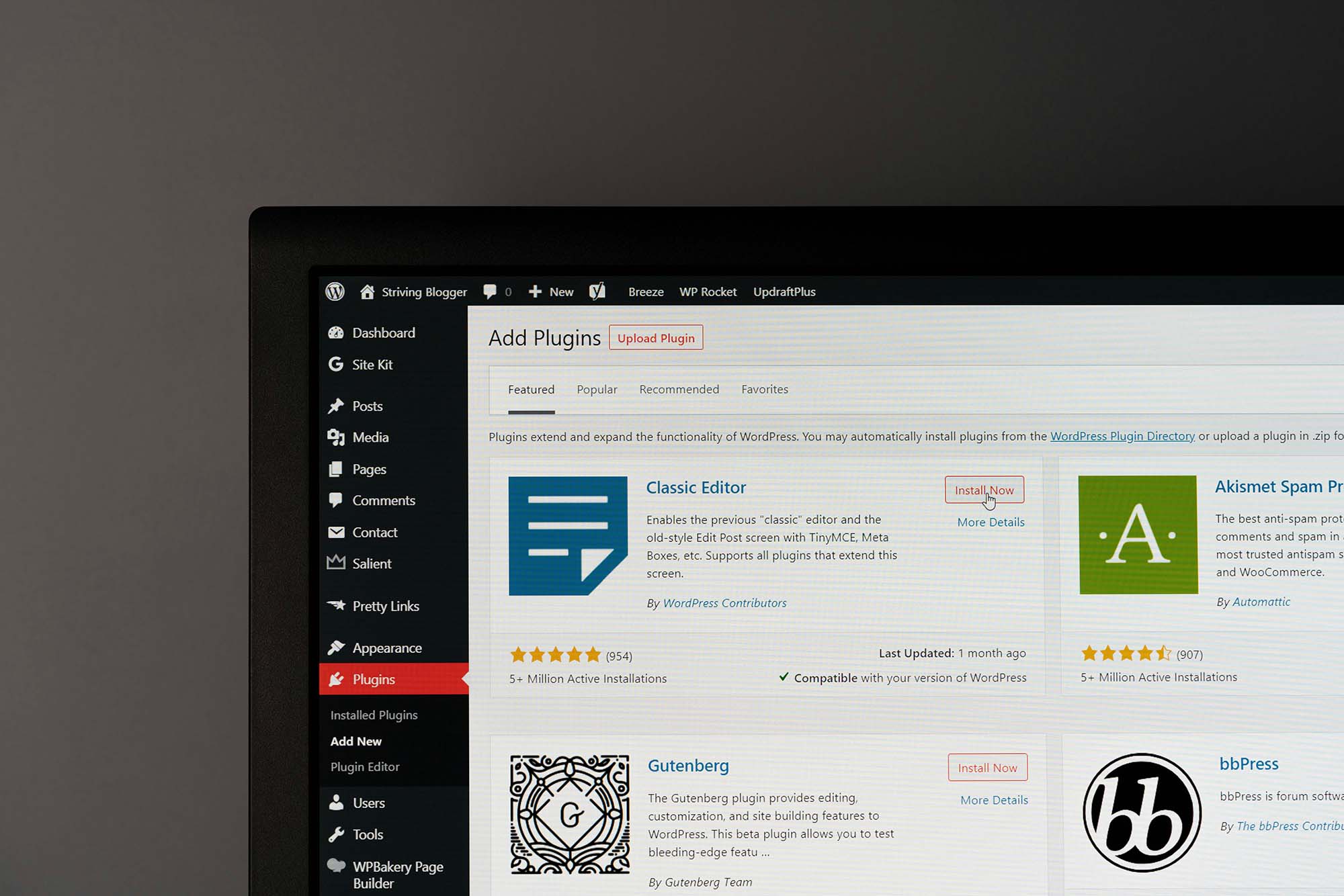
WordPress is an application. It runs on a server around the clock, and when someone visits your site it assembles the page on the spot — pulling your content from a database, running it through your theme and plugins, and sending back the result. Everything about it flows from that: the admin dashboard, the plugin ecosystem, the need for hosting that can run PHP, and the need to keep all of it updated.

Astro is a build tool. It generates your entire site in advance, so every page already exists as a finished HTML file before anyone asks for it. There's no application running, no database answering queries, and JavaScript ships only on the pages that genuinely need it. Your site is a set of files on a global network, and serving files is about the cheapest, fastest, most secure thing the web knows how to do.

Neither approach is new-fangled or obsolete. They're different trade-offs, and the right one depends on what your website actually has to do day to day.

The right question is rarely "which platform is faster". It's "who is going to be changing this site, and how often?"

Stuart Cox, CEO — Northbase

02 — The case for Astro

Where Astro is hard to beat

Speed, mostly — and everything that follows from it. Because the pages are pre-built, there's nothing to compute when a visitor arrives. That shows up directly in Google's Core Web Vitals, which affect both your rankings and how many visitors stick around long enough to enquire. It's the platform behind most of the marketing sites we design and build now, including this one.

We can use our own site as the receipt. northbase.au runs on Astro and scores 99 for performance on desktop in Google Lighthouse — with straight 100s for accessibility, best practices, and SEO, and a high-80s performance score on mobile's much harsher simulated connection. We didn't get there by squeezing a heavy platform through an optimisation regime. The platform starts light.

The quieter win is what's missing. There's no login page for bots to hammer, no plugins waiting on security patches, no database to inject. Hosting static files costs very little — often nothing at the scale of a business marketing site. A whole category of ongoing worry simply doesn't exist.

03 — The case for WordPress

Where WordPress is hard to beat

The editor. Log in, change a page, add a post, swap an image, publish — done, by anyone on your team, at 9pm on a Sunday if that's when the idea strikes. For a business with a real content operation — weekly articles, landing pages for campaigns, product updates — that independence is worth a great deal, and it's the thing static builds have historically struggled to match.

Then there's the ecosystem. Two decades of plugins cover almost any feature you can name, WooCommerce runs serious online stores, and roughly 40% of the web runs on WordPress — which means finding people who can work on your site is never a problem, and handing it over to an in-house marketer is painless. None of that is going anywhere.

We say this as an agency that manages WordPress sites for clients every week. In the right context it's a genuinely good platform, and some of the best-performing sites we look after run on it.

04 — Total cost

The costs nobody puts in the comparison

The build quote is where most comparisons stop, and it's the least interesting number. WordPress's real cost arrives after launch: core updates, plugin updates, the occasional conflict between the two, PHP versions, security monitoring, backups. Left unmanaged, a WordPress site decays — slowly, then suddenly. That's a solvable problem, and solving it is exactly what a proper WordPress management arrangement is for, but it's a real line item for the life of the site.

Astro's real cost sits on the other side of the ledger. The site barely needs looking after, but content changes are developer work. If your site changes quarterly, that cost is tiny. If your team wants to publish twice a week, routing every change through a developer is the wrong shape entirely — at that point you either want WordPress, or a content backend feeding the Astro build, which is a bigger conversation.

05 — The framework

How we actually decide

WordPress earns its place when your team publishes often and wants independence; when the store runs on WooCommerce; when non-technical people need to edit everything; and when there's a plan (and budget) for keeping it maintained. Those conditions describe a lot of businesses, which is why so much of the web runs on it.

Astro earns its place when the site's job is marketing and lead generation, where speed measurably affects rankings and conversion; when content changes are measured in months; when you're building landing pages that ad spend depends on; and when you'd rather own almost no maintenance burden at all.

And it's a decision, not a marriage. Sites move from WordPress to Astro and back as businesses change, with URLs preserved and rankings intact when the migration is done carefully. The platform should follow the way your business works — never the other way around.

06 — Common questions

Astro vs WordPress, answered

Is Astro better than WordPress?

Neither is better outright. Astro produces faster, lower-maintenance sites; WordPress gives your team the ability to edit and publish anything without a developer. The deciding factor is who updates the site and how often. A marketing site that changes quarterly suits Astro; a site your team publishes to every week usually suits WordPress.

Can you move a WordPress site to Astro?

Yes. The content migrates and the design is rebuilt on the new platform. Done properly, every existing URL is preserved or redirected so search rankings carry across. Migrations in the other direction happen too — businesses that need more publishing independence sometimes move from a static build to WordPress.

Is WordPress dying?

No. WordPress powers roughly 40% of the web, and its editor, plugin ecosystem, and talent pool are unmatched. Newer frameworks like Astro are winning a specific slice of projects — performance-critical marketing sites — rather than replacing WordPress across the board.

Which is cheaper in the long run, Astro or WordPress?

It depends on how often the site changes. WordPress carries ongoing care costs — updates, plugin maintenance, security, backups — that continue for the life of the site. Astro sites cost almost nothing to keep running, but content changes are developer work. Frequent publishing favours WordPress; a stable site favours Astro.

Can Astro do ecommerce?

Yes, paired with a commerce platform for the cart and checkout. For store-first businesses we usually recommend Shopify or WooCommerce, where the whole workflow is built around selling. Astro suits marketing-led sites, including ones with a small amount of commerce attached.

See how we approach website development

Not sure which platform fits?

Tell us what your website needs to do — we'll give you a straight answer.

Start a Conversation
All insights

Let's talk

something great.

Whether it's a new website, a marketing strategy, or custom software — we'd love to hear from you.